 oioi
oioiYour clipboard,
finally beautiful.
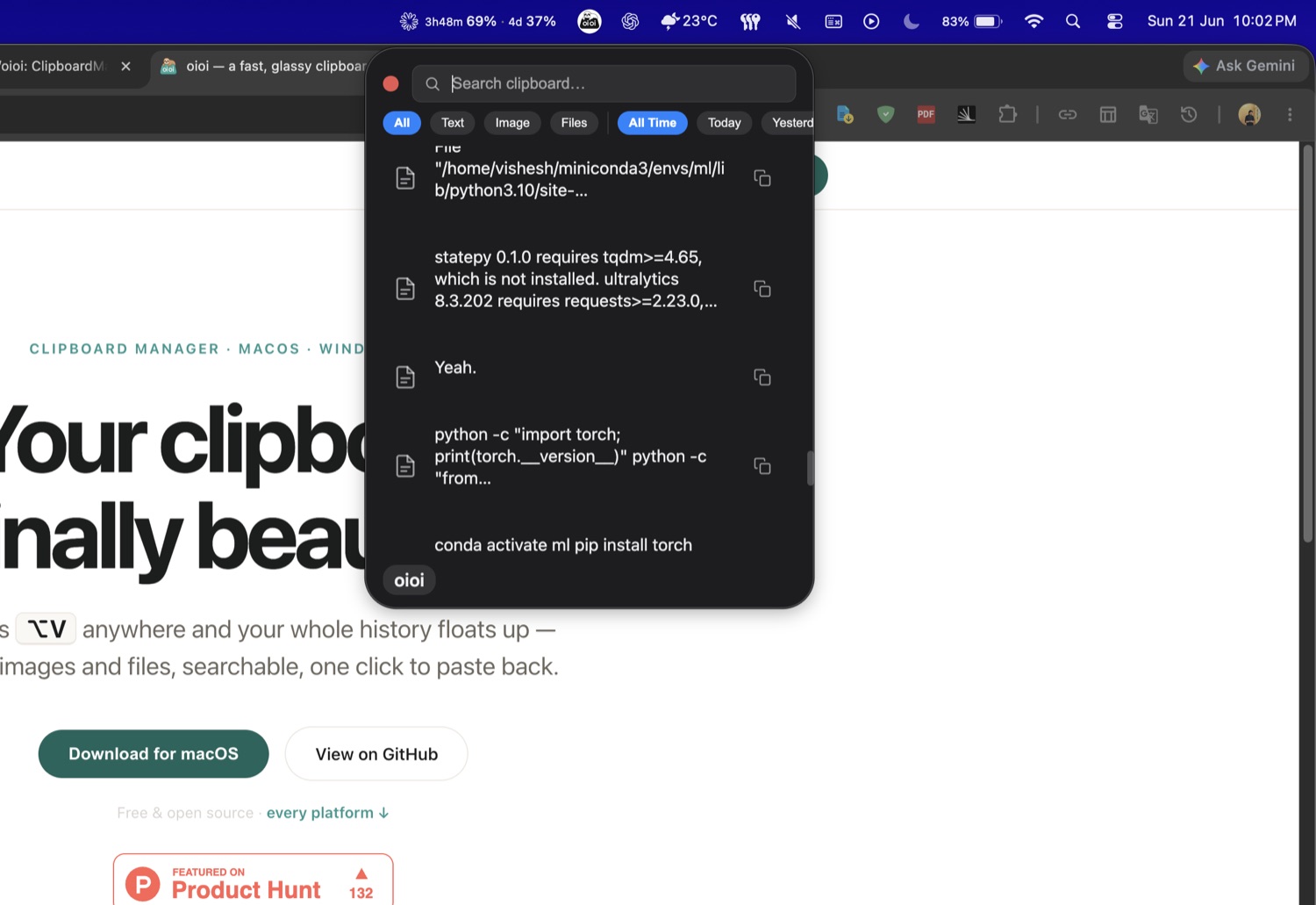
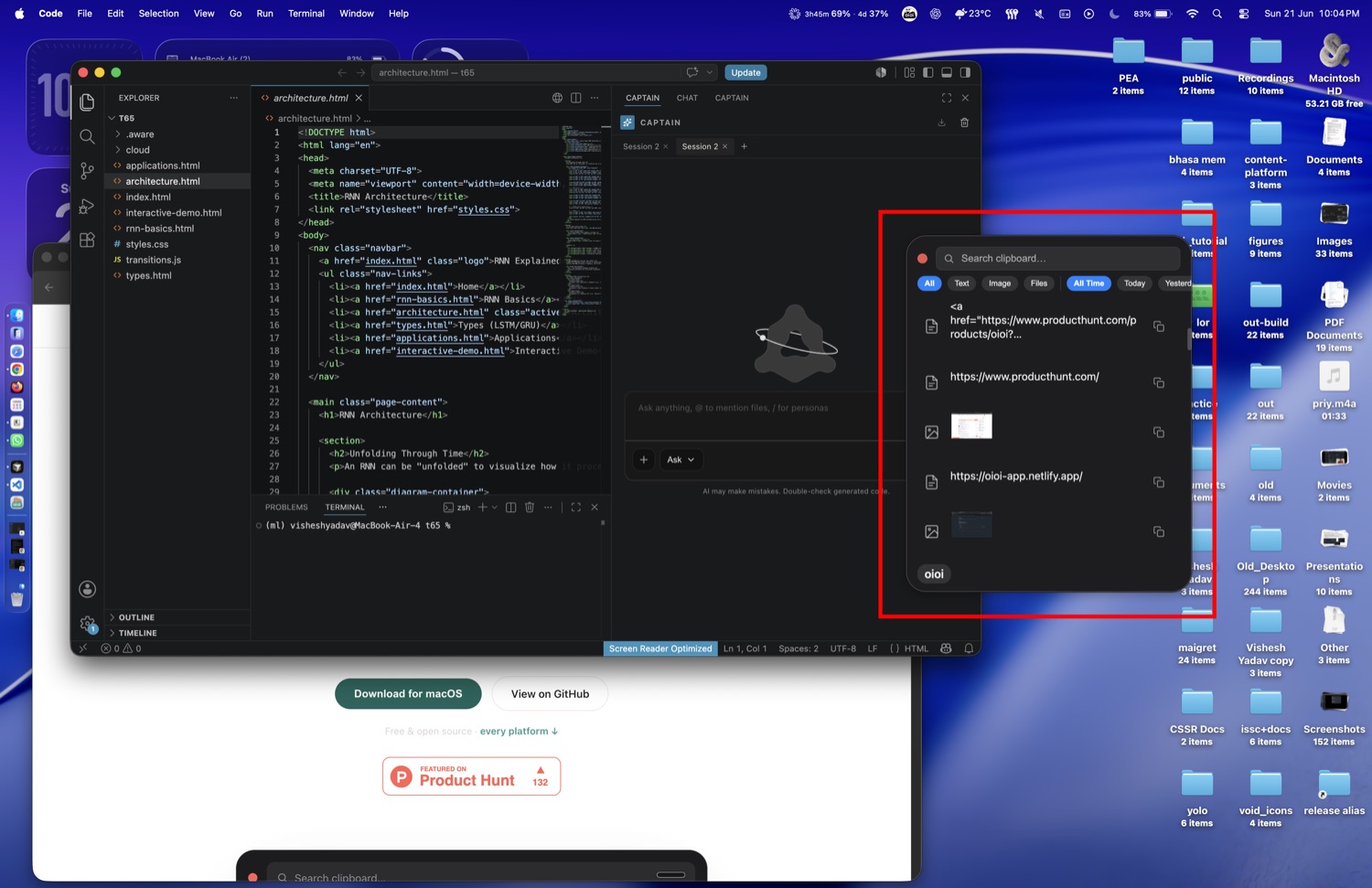
Press ⌥V anywhere and your whole history floats up — text, images and files, searchable, one click to paste back.
Free & open source · every platform ↓

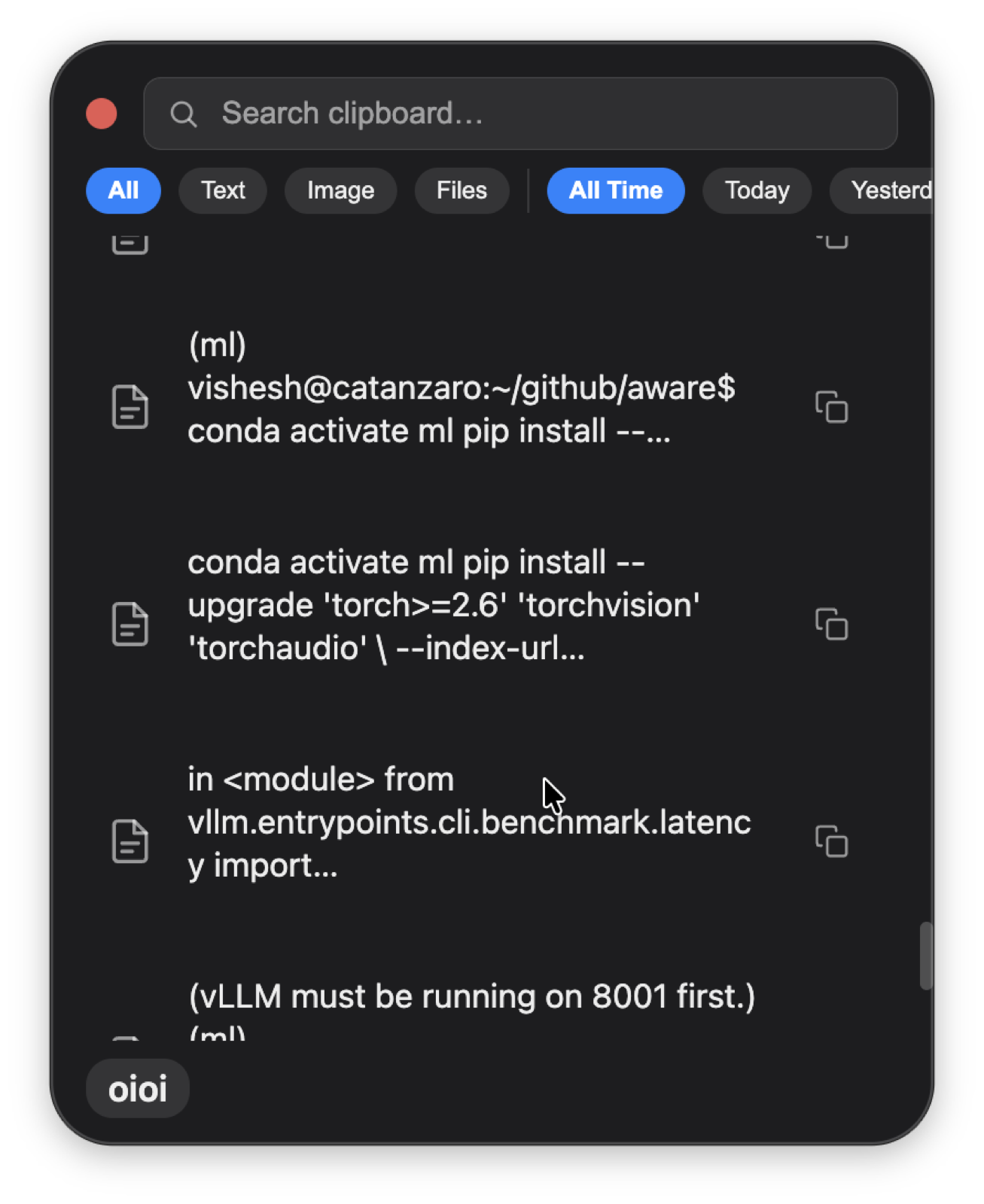
Everything you copied, one keystroke away.
Press ⌥V and your whole history floats up. Search it, filter by text, images or files, then paste with a single click.
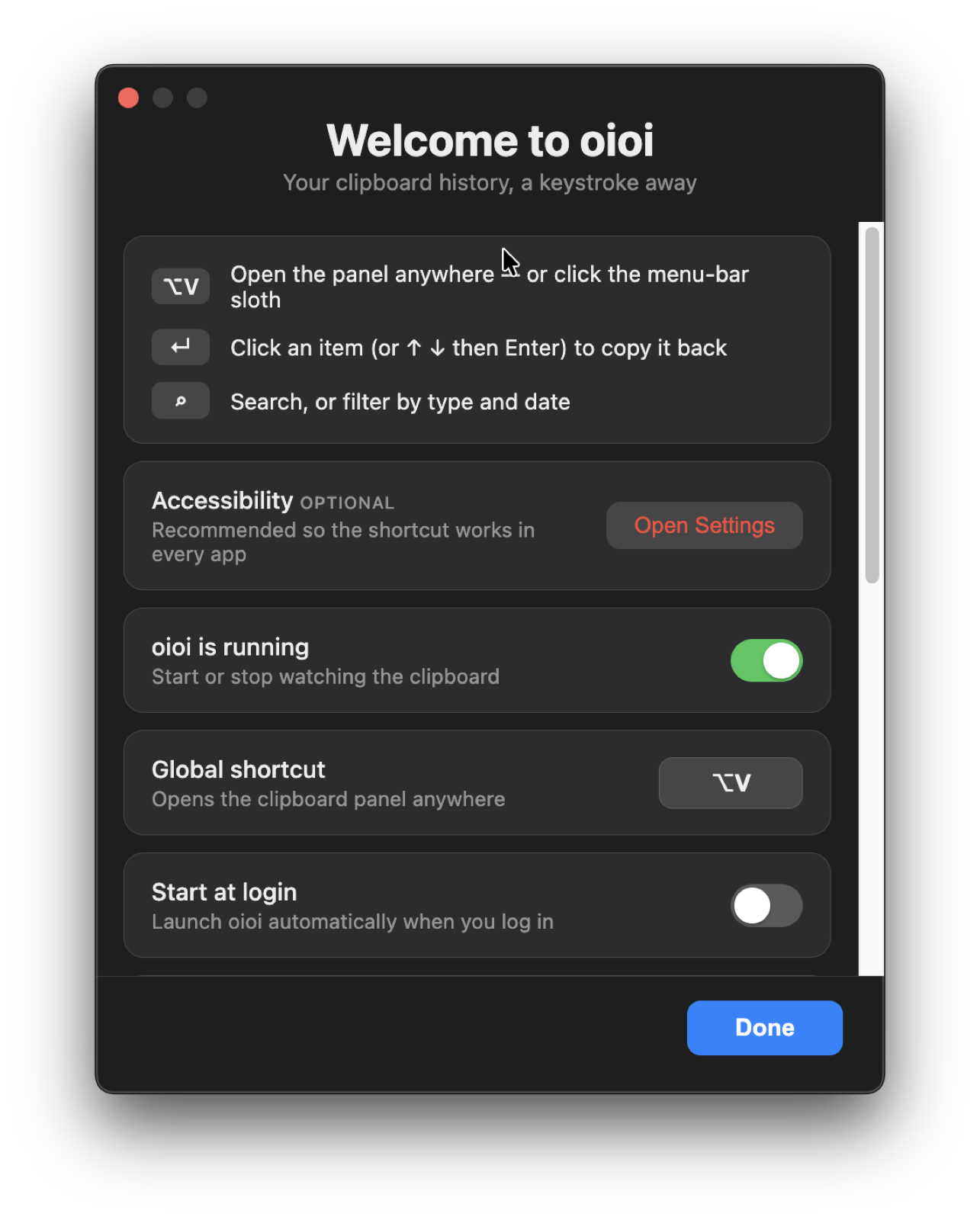
Set up in seconds.
A friendly walkthrough sorts your shortcut and permissions, so oioi works in every app from the very first launch.
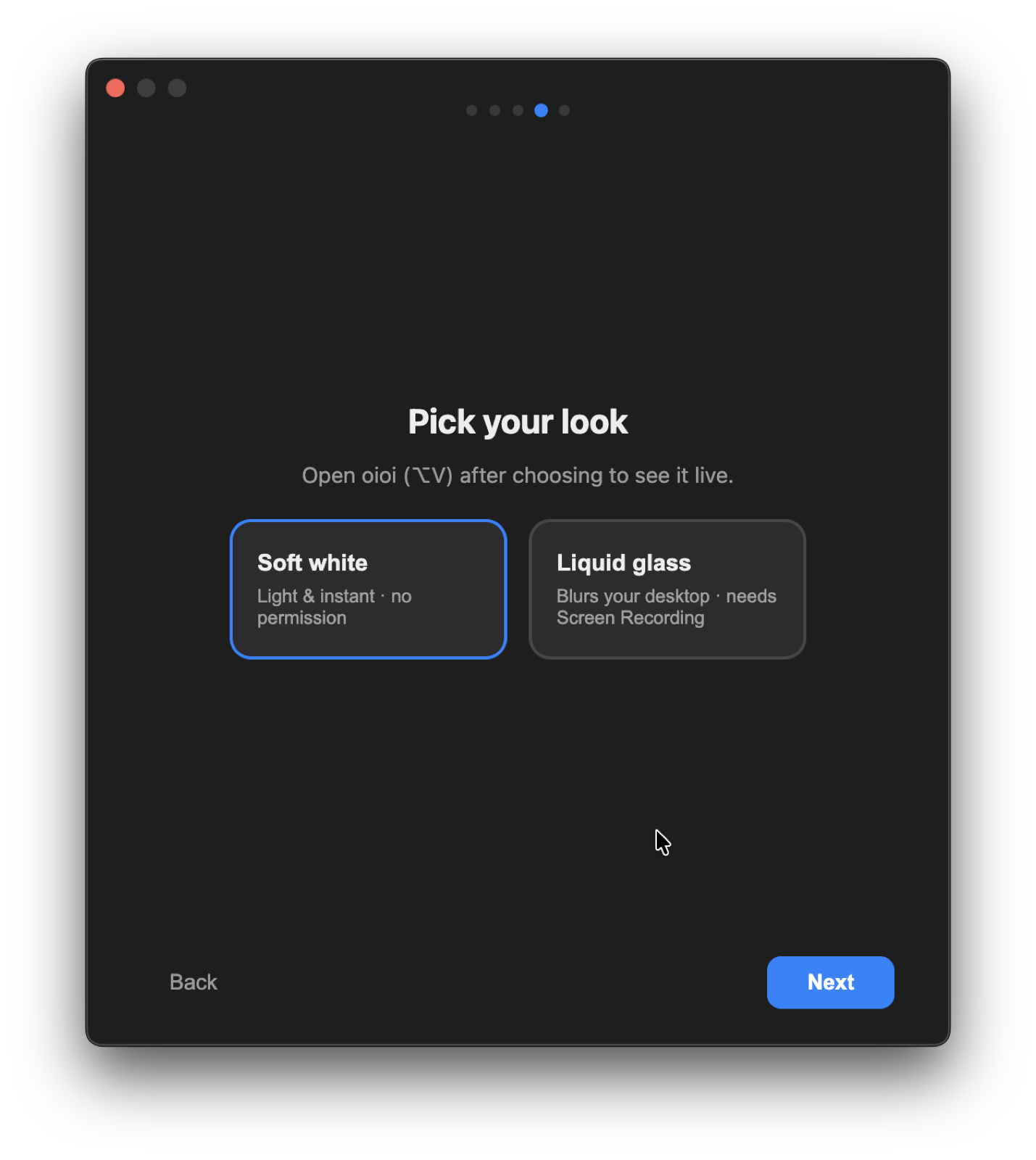
Glass or soft — your call.
Choose a frosted liquid-glass panel or a clean flat one, tune the blur and corners, and set your own global shortcut.
Always a keystroke away.
oioi sits quietly in the menu bar and floats over whatever you're doing — your editor, your browser, anywhere.
Small app. Big memory.
oioi keeps everything you copy and gives it back the instant you ask — without ever getting in your way.
Text, images & files
Everything you copy is captured, thumbnailed and searchable. Filter by type — today or all-time.
Instant by design
Pre-warmed and rendered low-res first. Hit ⌥V and your history is already in front of you.
Private by default
History lives only on your machine. No cloud, no account, no telemetry — nothing leaves your device.
Glass or Soft
Choose a frosted liquid-glass panel or a clean flat one. Tune the look and set your own shortcut.
Every desktop
Native builds for macOS — Apple Silicon and Intel — plus Windows and Linux. One app, everywhere.
Free & open source
No subscription, no upsell, no tracking. MIT-licensed — every line is on GitHub to read and fork.
Three keys, then it's gone.
No windows to manage. Summon it, take what you need, and it disappears.
⌥V Summon
Hit the shortcut from any app. The panel floats up over whatever you're doing.
Search & filter
Type to find anything you've copied, or filter by text, images or files.
↵ Paste
Enter drops it back on your clipboard, ready to paste. The panel vanishes.
Get oioi.
Free, on every desktop. Always the latest release, fetched straight from GitHub.
xattr -dr com.apple.quarantine /Applications/oioi.app).
On Windows, choose More info → Run anyway. On Linux, chmod +x oioi-*.AppImage and run it.